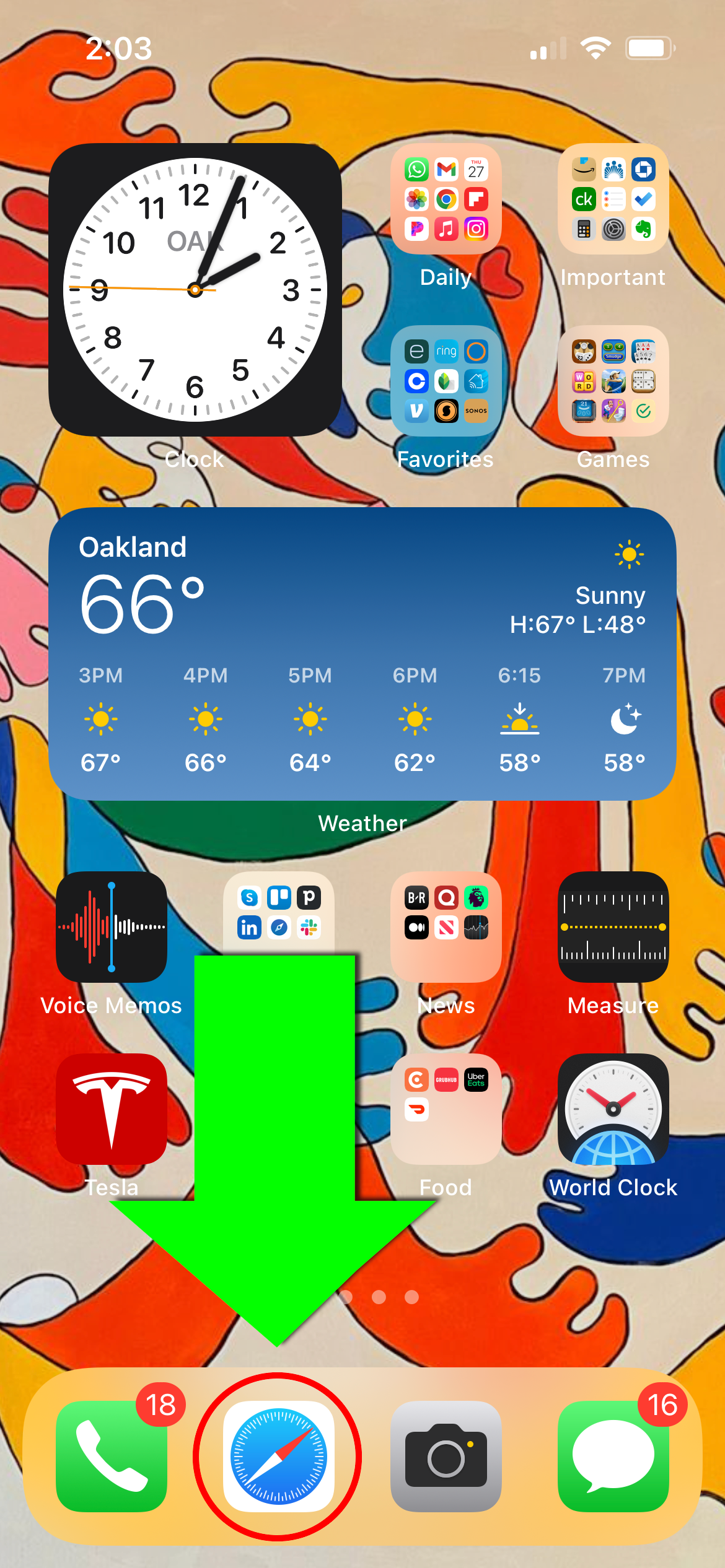
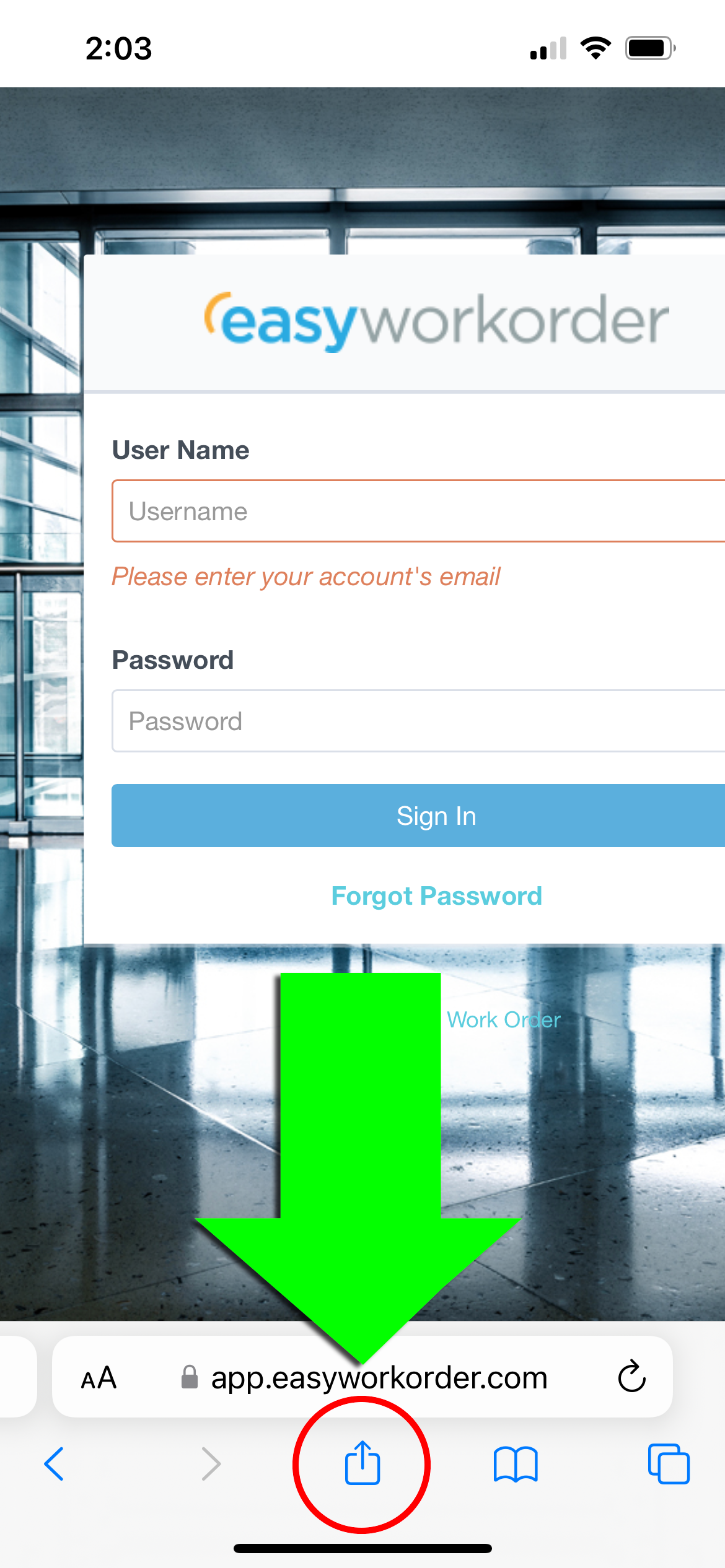
 Next, tap the “Share” button at the bottom of the screen
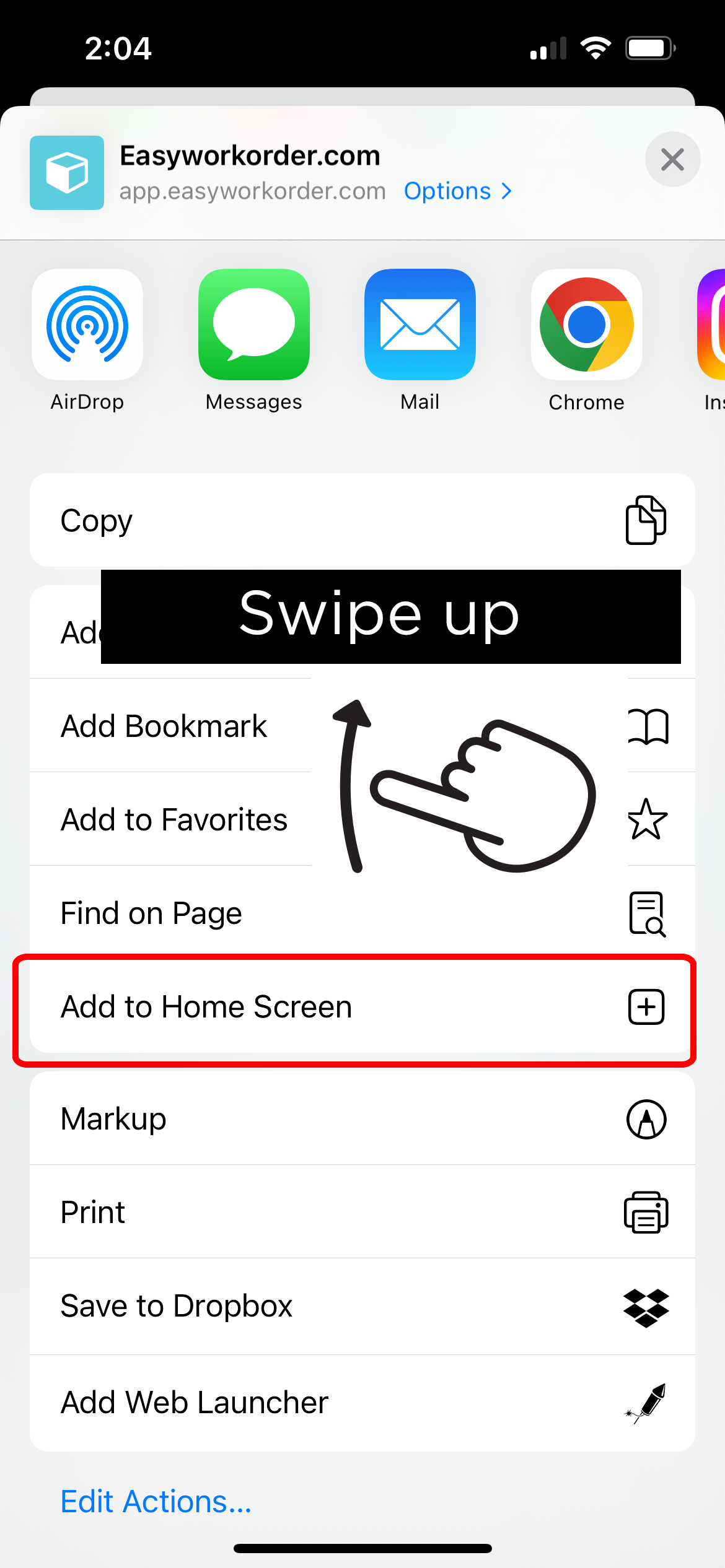
 Now, swipe up until you see “Add to Home Screen” and tap on it
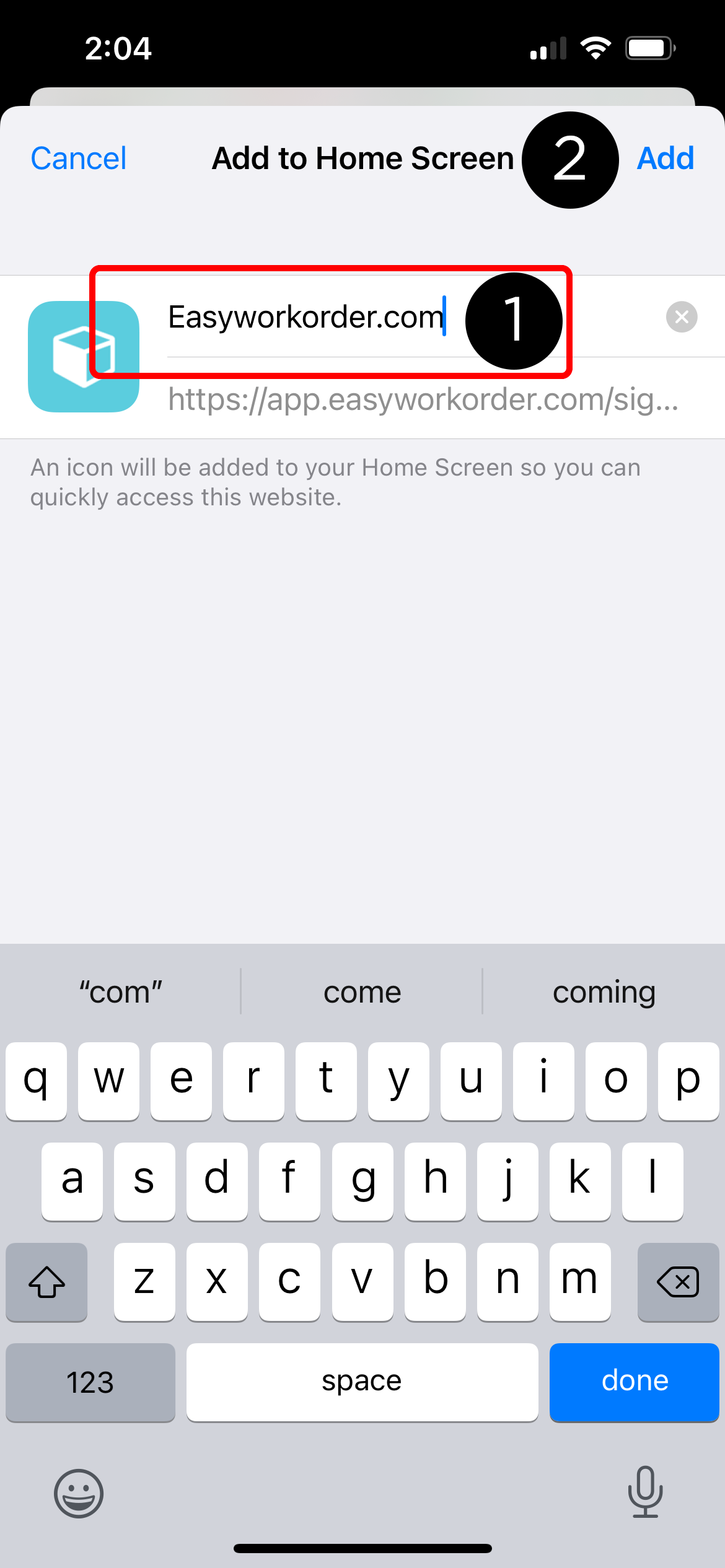
 Give your bookmark a name, like Easyworkorder; then tap Add
 That’s it!
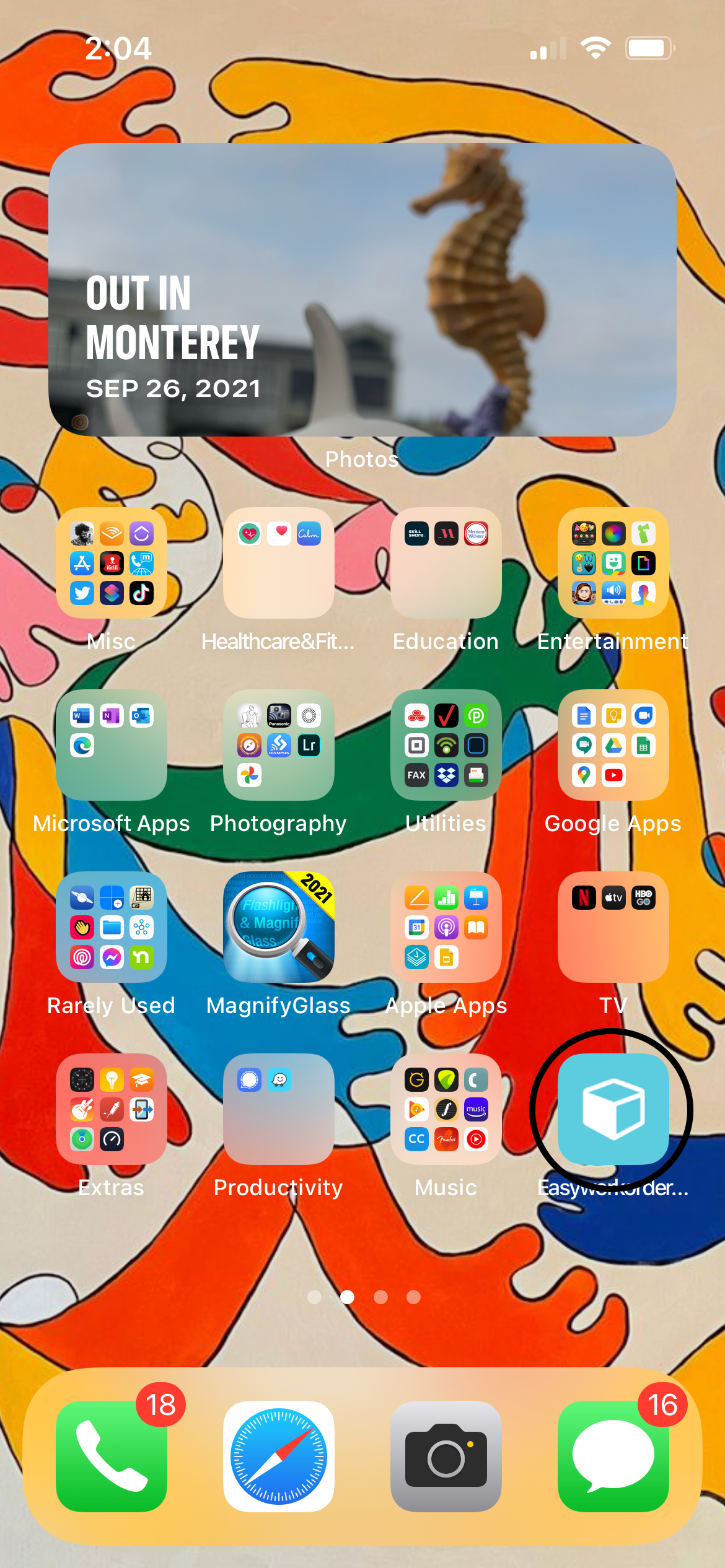
You should be see your bookmark on your phone’s desktop (obviously, your phone will look different).
That’s it!
You should be see your bookmark on your phone’s desktop (obviously, your phone will look different).